Restaurant App Information
Restaurant App provides the best solution for the Restaurant industry. Our aim is to make billing simple and fast, addressing realworld Restaurant challenges through an all in one platform:
- 📝 Text based Billing Feature
- 📋 List based Quick billing
- 📸 AI powered Camera Billing
- 🎙️ Speech Recognition Billing
- 📱 Graph Reports on Mobile
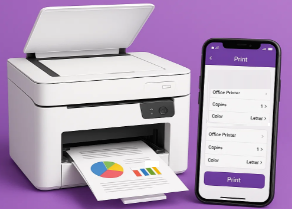
- 🧾 GST Bill Printing Support
- 🗂️ Restaurant Database Export
📱 App Screens Overview
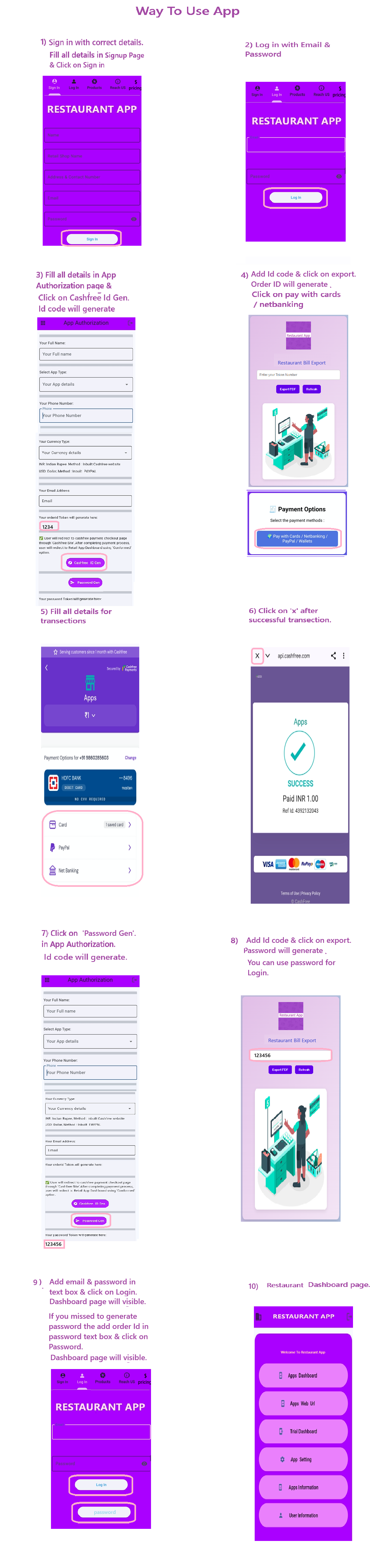
Sign up & Login: New users register with name, store, contact, email, password. Existing users log in with credentials.
Welcome Screen: Main navigation buttons to Dashboard, Settings, Email Billing, Info, and User Details.
App Dashboard: Enter billing data via Text, Audio, or Camera. Print bills and access reports (hourly, weekly, monthly, yearly).
Settings: Dark/Light Mode, color palette, PDF/Image/Text conversion, print viewer, clear bills & folders.
Communication: Message Developer, Email Retail Bill, App Info, and User Info sections for transparency and support.